WooCommerce
WooCommerce Stock History: See Who Changed Stock and When
Where WooCommerce records stock changes, where it doesn't, and how an activity log shows who changed stock, what changed and when.
Read moreScanventory blog
How-tos on QR code labels, stock counts and keeping your store in sync with your shelves.
Where WooCommerce records stock changes, where it doesn't, and how an activity log shows who changed stock, what changed and when.
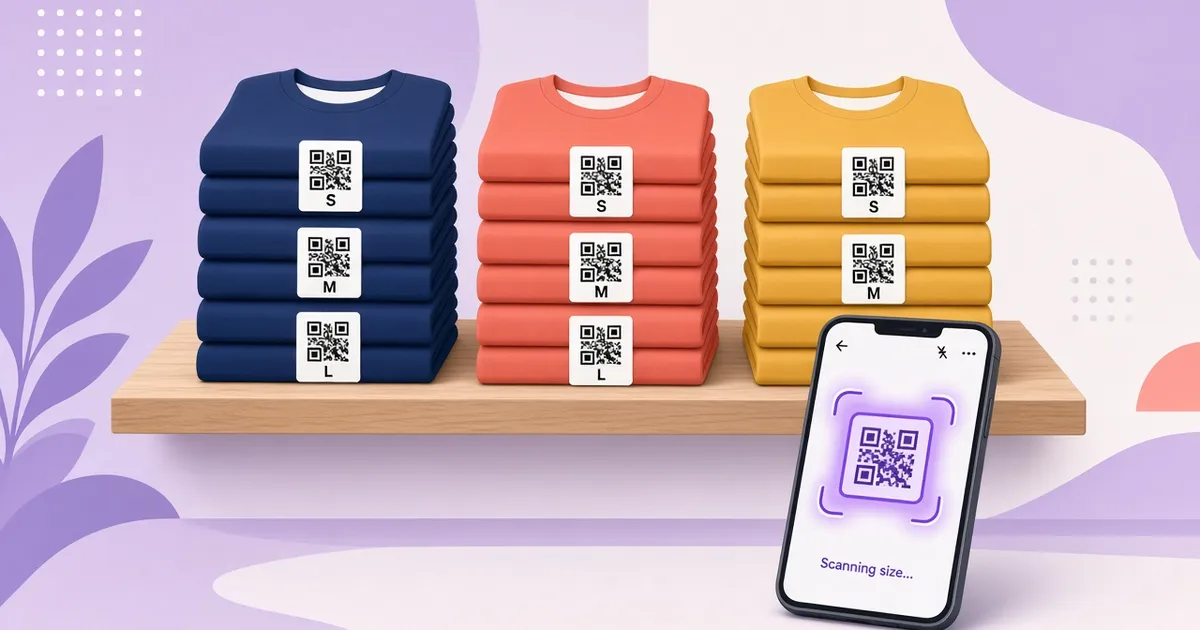
Read morePrint a separate QR code label for every size and colour of a WooCommerce variable product, show the right attribute on each label, and keep variation SKUs tidy.
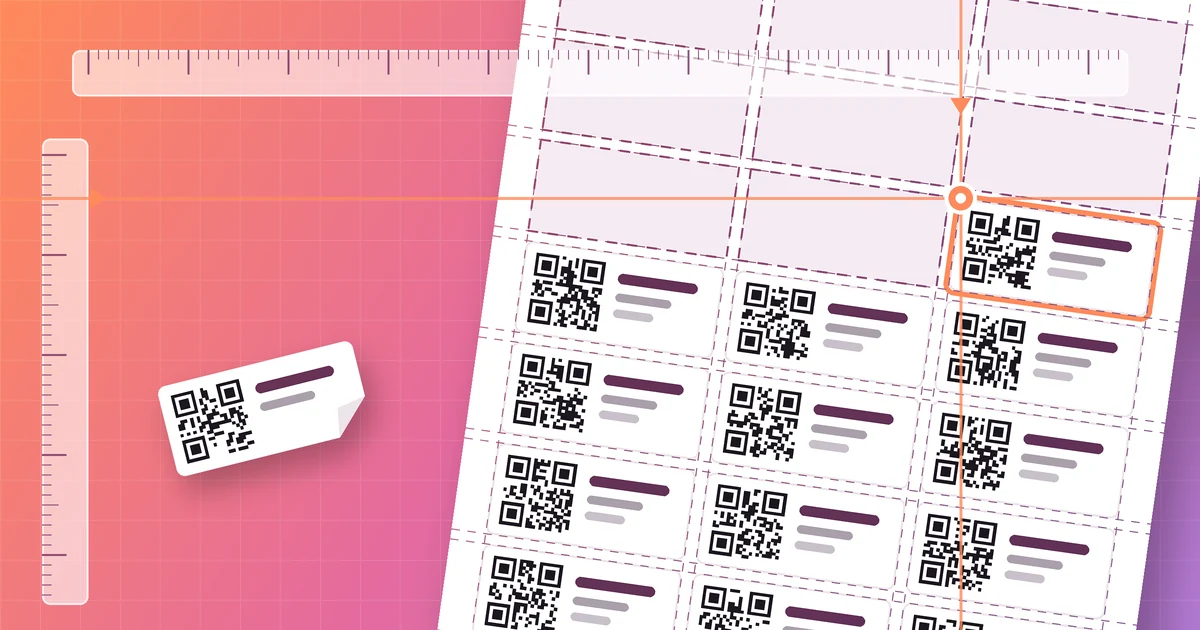
Read morePrint WooCommerce QR code labels on Avery-compatible sheets, fix alignment with a plain-paper test, and finish a partly used sheet with Start position.
Read moreHow to give every WooCommerce product its own QR code for stock management, print it on a label, and know when a different kind of QR code is the better fit.
Read moreA practical routine for counting stock with QR code scanning and getting WooCommerce to match your shelves, whether you count yearly or every week.
Read moreYou don't need a warehouse scanner to keep WooCommerce stock accurate. Here's how QR code scanning with a phone works and when it's the right fit.
Read moreA step-by-step guide to printing QR code labels for your WooCommerce products from your admin, for your whole catalog or just a few products.
Read more